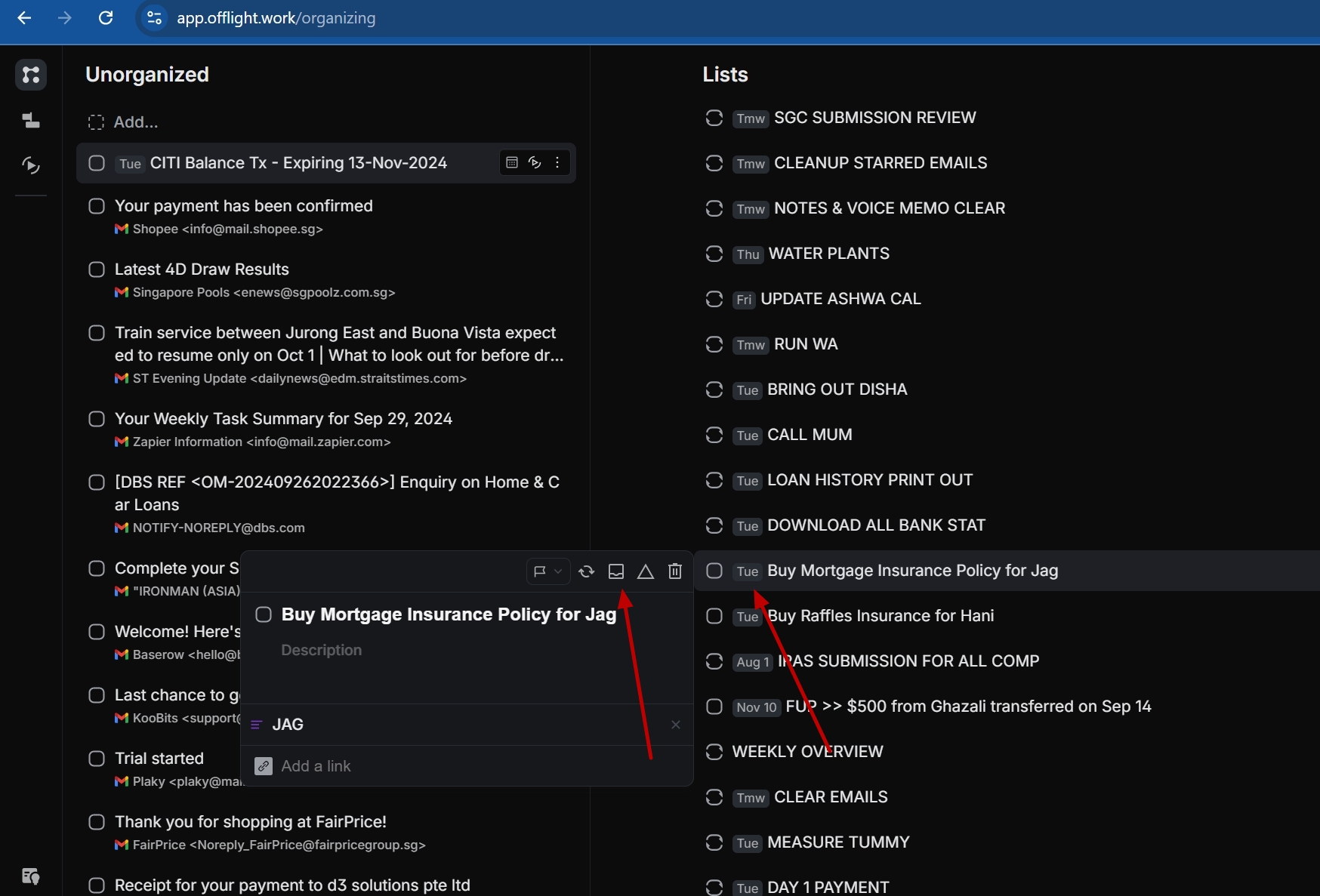
Ability to change the date directly from Organizing Page
If the task is planned for a specfic date. I am unable to change to different date from the Oritanizaing Page.
I need to do this workaround way to change the date
I need set the task as unplanned
Move it today
Go to Planning Page
Click on the task and plan to different date
It will be nice, if we can change the task date directly from the organizing page.
Thank you
Jag
Log in to comment and vote
No comments yet
Be the first to share your thoughts.