Create task, Event, Reply with OFFY (+ Memory)
Enhancements to OFFY User Interface and Functionality
Overview
This pull request includes several significant updates to the OFFY application based on user feedback and usability studies. Key changes include:
UI Adjustments: The OFFY task lane has been moved back to the left side of the interface, allowing users to focus on navigating tasks more effectively.
Task Detail Display: When a task is opened, its details now appear in the central area of the screen, providing a more focused view for users.
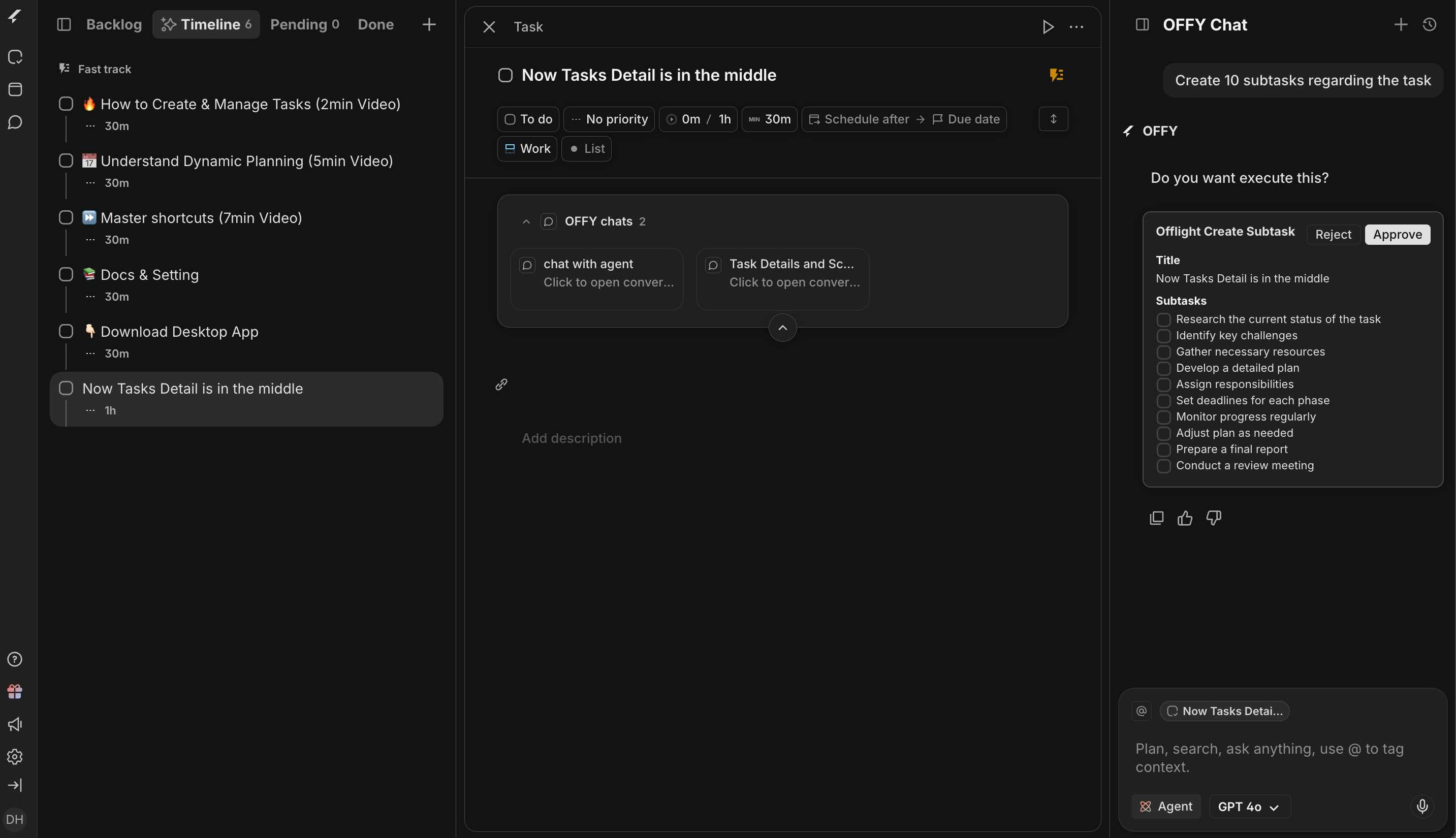
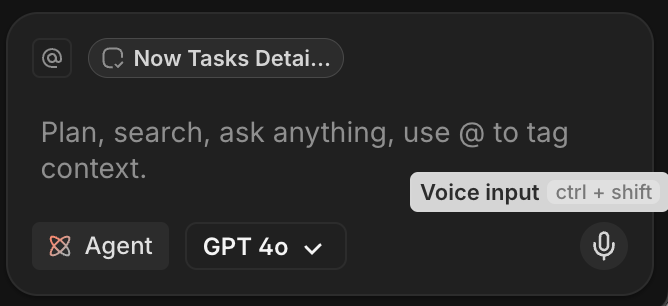
Voice Input Features: Users can now utilize voice commands to interact with OFFY, including summarizing emails and creating tasks. The short cut is "ctrl + shift” it is super easy to use :)
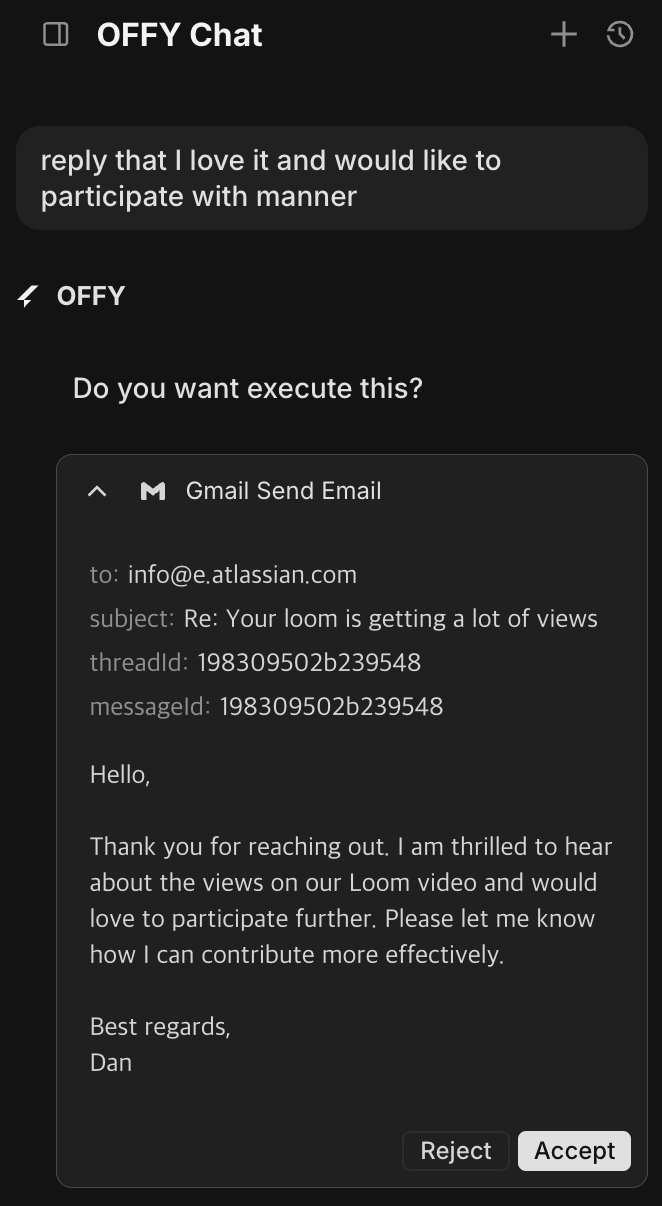
Email Reply Functionality: Users can draft and send replies to emails using AI assistance, streamlining communication.
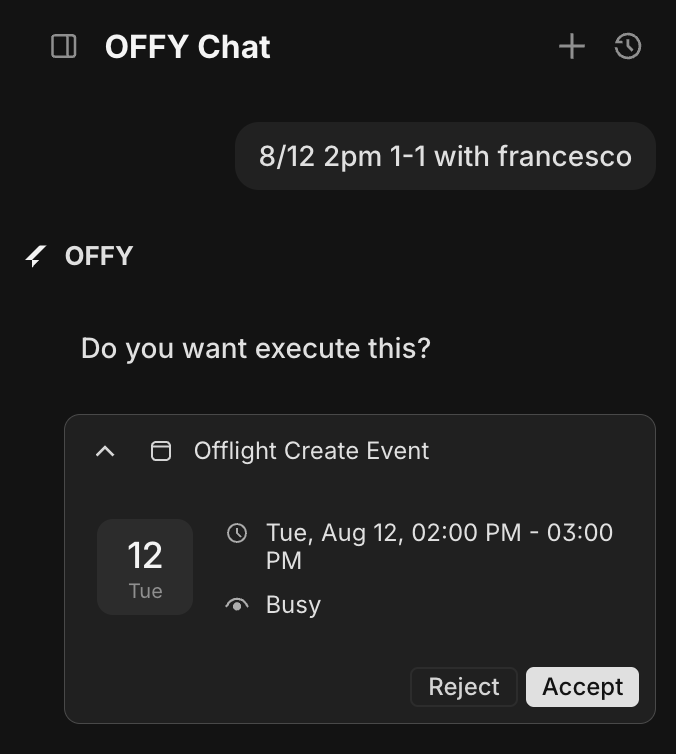
Event Creation: Users can quickly create events using voice commands, enhancing scheduling efficiency.
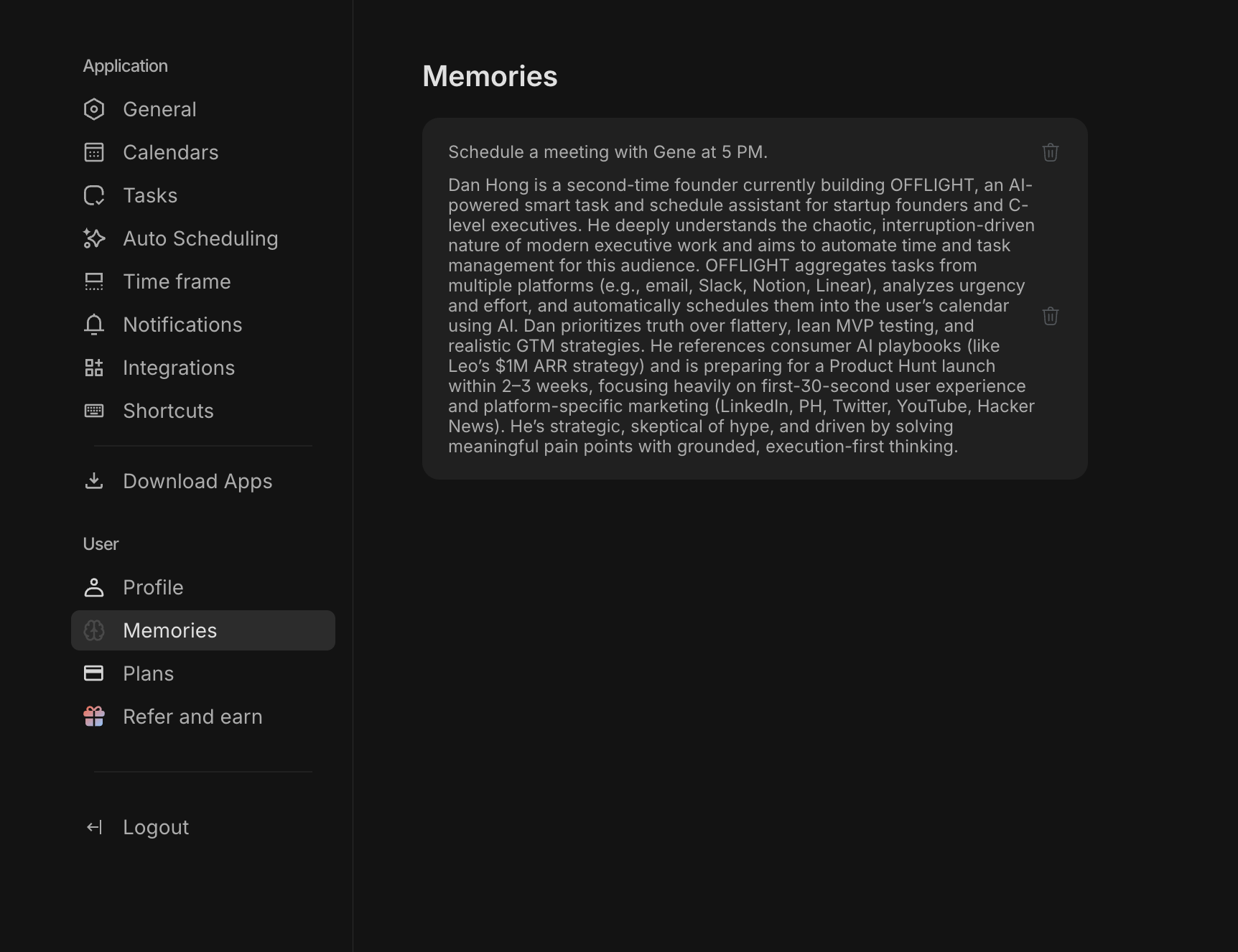
Memory Feature: OFFY can now memorize user preferences and information, allowing for a more personalized experience.
Future Plans: Consideration for an inbox feature to manage incoming tasks and notifications more effectively.